

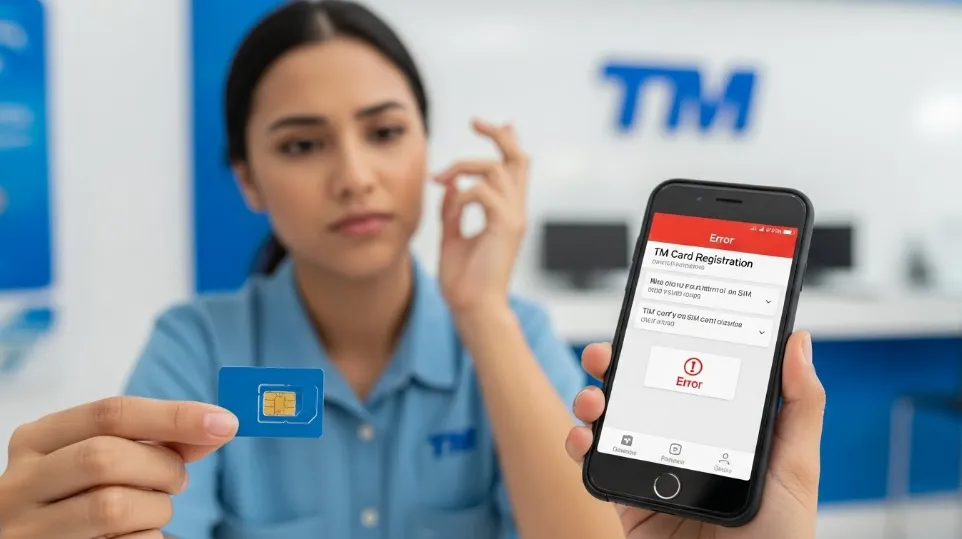
Completing sim card registration tm is now mandatory for all TM users in the Philippines, but many people still struggle with the process due to confusion, technical issues, or simple mistakes. Some users face rejected registrations, while others are unsure whether their SIM is fully approved. This article provides a complete and practical guide on how to complete TM SIM card registration correctly, avoid common errors, and ensure your mobile number remains active without interruption.
Understanding SIM Card Registration TM
SIM card registration TM is a government-required process that links a SIM card to a verified individual. The goal is to prevent fraud, scams, spam messages, and illegal activities by ensuring every SIM card has a real owner.
TM, as part of the Globe network, follows national regulations and requires all users to register their SIM cards using valid identification and personal details.
Who Must Complete SIM Card Registration TM
SIM card registration applies to all TM users, including:
- Existing prepaid TM subscribers
- New TM SIM buyers
- Minors using TM SIM cards
- Foreign nationals using TM SIMs
No matter how long you have been using your SIM, registration is still required.
Why SIM Card Registration TM Is Important
Failing to register your SIM card can result in serious consequences. TM and Globe strictly enforce registration deadlines.
Benefits of proper registration include:
- Continued access to calls, texts, and mobile data
- Protection from SIM-related fraud
- Legal compliance with national laws
- Secure ownership of your mobile number
Unregistered SIM cards may be permanently deactivated.
Documents Needed for SIM Card Registration TM
Before starting the registration process, you should prepare the required documents. Having everything ready helps prevent errors.
Common requirements include:
- A valid government-issued ID
- Clear selfie photo
- Accurate personal information
- Active TM SIM card
Using expired or unclear documents is a common reason for rejection.
Accepted IDs for TM SIM Card Registration
TM accepts multiple valid IDs to make registration accessible for users.
Commonly accepted IDs include:
- National ID
- Passport
- Driver’s license
- UMID
- SSS ID
- GSIS ID
- Voter’s ID
- PhilHealth ID
The ID must be clear, readable, and not expired.
Step-by-Step SIM Card Registration TM Process
The registration process is usually completed online. While the interface may change, the general steps remain the same.
Typical steps include:
- Accessing the official TM or Globe registration portal
- Entering your TM mobile number
- Receiving and verifying an OTP
- Filling out personal details
- Uploading ID and selfie
- Submitting the registration
Each step must be completed carefully to avoid failure.
Importance of Accurate Personal Information
Your personal details must match exactly with your ID. Even small spelling mistakes can cause verification problems.
Make sure:
- Your name is spelled correctly
- Your birthdate matches your ID
- Your address is accurate
Inconsistent information often leads to rejection.
Uploading ID Photos Correctly
ID photo quality is critical for successful registration.
Best practices include:
- Use good lighting
- Avoid glare or shadows
- Ensure text is readable
- Capture the full ID
Do not crop important parts of the ID.
Selfie Verification Guidelines
The selfie confirms that the person registering the SIM is the same person on the ID.
Selfie tips:
- Face the camera directly
- Remove hats, masks, and sunglasses
- Use a neutral facial expression
- Ensure clear lighting
Poor selfies are one of the top causes of registration failure.
SIM Card Must Be Active During Registration
Your TM SIM card should be active and inserted in your phone while registering.
This ensures:
- You receive OTP messages
- Your number is verified correctly
Inactive SIM cards may not complete registration.
Common Errors During SIM Card Registration TM
Many users experience errors due to simple mistakes.
Common errors include:
- Blurry photos
- Incorrect personal details
- Weak internet connection
- Expired ID
- OTP timeout
Most of these errors can be avoided with preparation.
How to Fix Registration Errors
If your registration fails, do not panic. Most errors are fixable.
Steps to take:
- Review error messages carefully
- Correct the issue
- Re-upload documents
- Try again using better lighting or a connection
Repeated attempts are usually allowed.

SIM Card Registration TM for Minors
Minors can use TM SIM cards, but registration must be done under a parent or legal guardian.
Additional requirements include:
- Guardian’s valid ID
- Guardian’s personal details
- Minor’s basic information
The guardian becomes responsible for the SIM’s usage.
SIM Card Registration TM for Foreigners
Foreign nationals can register TM SIM cards, but requirements may differ.
Foreign users usually need:
- Passport
- Proof of address
- Visa details (if applicable)
Registration validity may depend on visa duration.
Online vs In-Store Registration
Most users prefer online registration, but in-store assistance may be available.
Online registration advantages:
- Faster process
- Convenient
- No travel required
In-store registration may help users facing technical issues.
What Happens After Submitting Registration
After submission, your registration goes through verification.
Possible outcomes:
- Approved
- Pending verification
- Rejected
TM may send confirmation messages once verification is complete.
How Long Verification Takes
Verification time varies depending on:
- Volume of registrations
- Document clarity
- System workload
Some registrations are approved within minutes, while others may take days.
Checking SIM Card Registration Status
Users are encouraged to check their registration status after submission.
Status checking helps:
- Confirm approval
- Identify issues early
- Prevent deactivation
Use official TM or Globe support channels for accurate information.
What to Do If Registration Is Rejected
If rejected:
- Identify the reason
- Correct the issue
- Re-register if allowed
Most rejections are due to fixable errors.
Deadline Awareness for SIM Card Registration TM
Registration deadlines are enforced strictly.
Missing the deadline may result in:
- Temporary suspension
- Permanent deactivation
- Loss of mobile number
Register as early as possible to avoid problems.
Data Privacy and Security
TM states that all collected information is protected and used only for legal and security purposes.
Your data is:
- Stored securely
- Accessed only by authorized personnel
- Protected under data privacy laws
This ensures user trust and safety.
Can You Update Registration Information Later
In some cases, TM may allow updates to:
- Address
- ID details
Updates usually require identity verification.
Tips for Successful SIM Card Registration TM
Helpful tips include:
- Prepare documents in advance
- Use a stable internet
- Double-check details
- Follow photo guidelines
Careful registration saves time.
What Happens If You Ignore SIM Registration
Ignoring registration can cause:
- Service loss
- Inability to recover the number
- Difficulty accessing support
Registration is mandatory and unavoidable.
Legal Responsibility of SIM Owners
Registered SIM owners are legally responsible for the use of their SIM.
This helps:
- Prevent illegal usage
- Protect innocent users
- Improve mobile security
Accurate registration protects both users and the public.
Frequently Asked Questions About SIM Card Registration TM
Common questions include:
- Is registration free?
Yes, registration is free. - Can I register multiple SIMs?
Yes, but each SIM must be registered separately. - Can someone else register my SIM?
Only minors or authorized guardians are allowed.
Final Checklist Before Registering
Before submitting, ensure:
- All details are correct
- Photos are clear
- SIM is active
- The internet connection is stable
This reduces the chances of failure.
Conclusion
SIM card registration TM is a required process that ensures safe, secure, and legal mobile communication. While the process may seem complicated at first, understanding the requirements and following the steps carefully makes it simple and stress-free. By preparing documents properly, avoiding common mistakes, and registering on time, TM users can keep their SIM cards active and enjoy uninterrupted mobile services with confidence.